Lesson 5.1: Using the Feeds Section
OVERVIEW
Feeds section is designed to enhance communication and collaboration among team members. It acts as a centralized update stream where you can view, share, and discuss project-related activities in real-time.
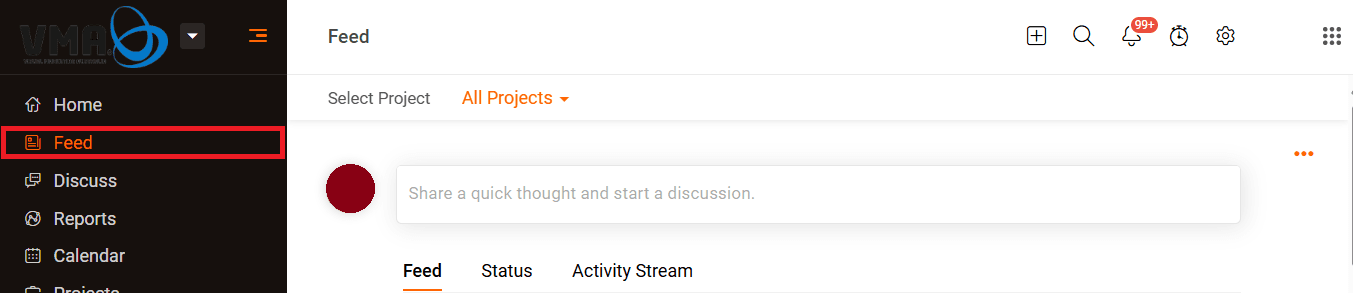
- Navigate to Feeds
- Click on the Feeds tab located in the left sidebar of your project dashboard.

- Click on the Feeds tab located in the left sidebar of your project dashboard.
- View Update
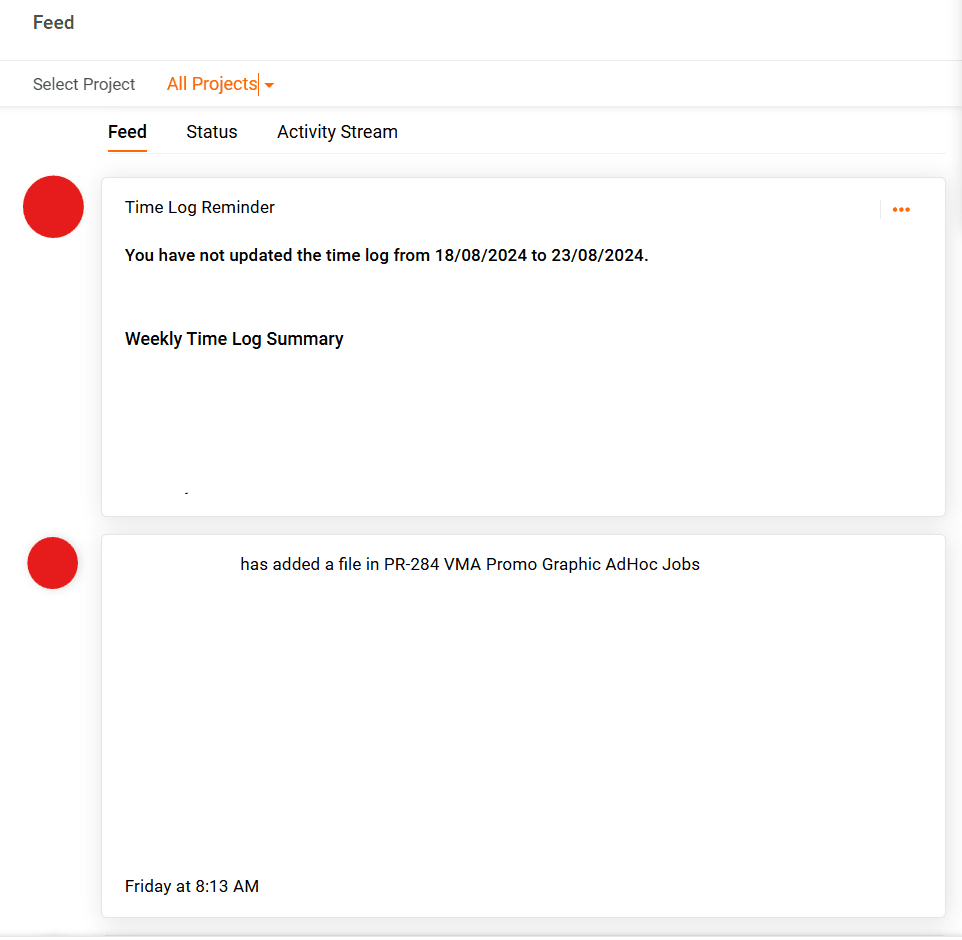
- Feeds section shows a chronological list of updates related to task, milestones, files, and other activities in the projects.

- Feeds section shows a chronological list of updates related to task, milestones, files, and other activities in the projects.
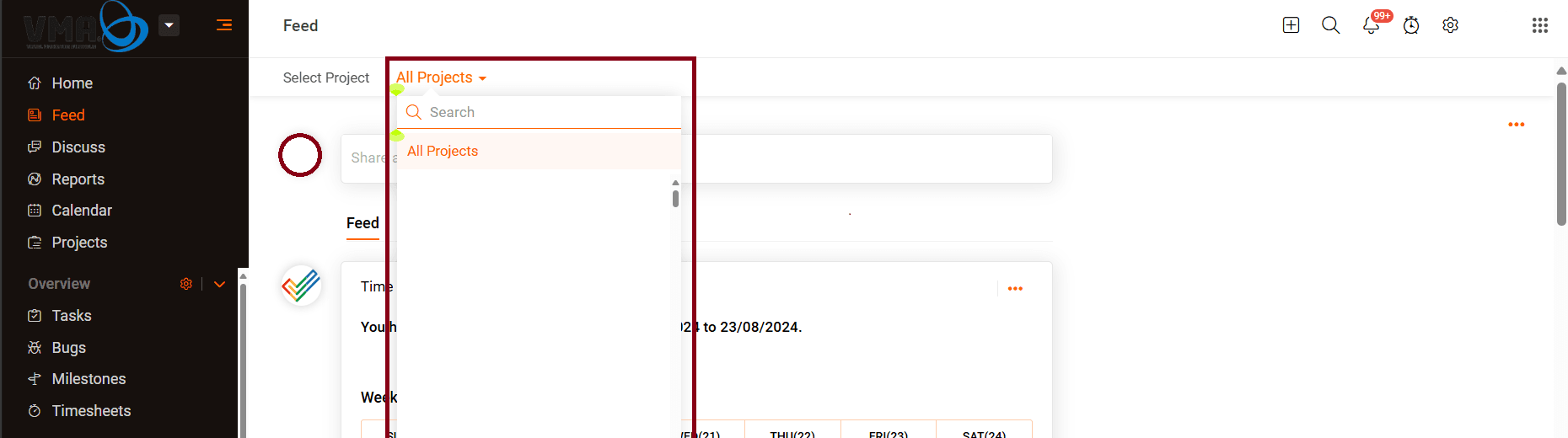
- Select specific porject
- You can view the latest updates for a specific project by clicking on the drop-down menu and selecting your preferred project.

- You can view the latest updates for a specific project by clicking on the drop-down menu and selecting your preferred project.
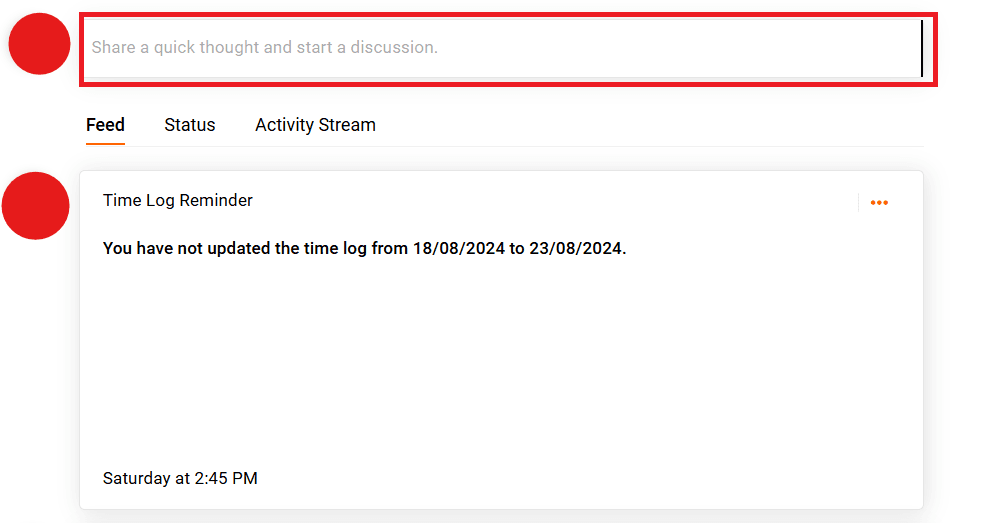
- Post Updates
- You can share status updates, announcements, or project-related information.

- You can share status updates, announcements, or project-related information.