Lesson 4.3: Uploading Files
OVEERVIEW
Uploading files in Zoho Project allows you to keep all project-related documents organized and easily accessible.
- Open Task Details
- After locating the specific task, you want to upload files in, click on the task title to view its details.

- After locating the specific task, you want to upload files in, click on the task title to view its details.
- Upload Files
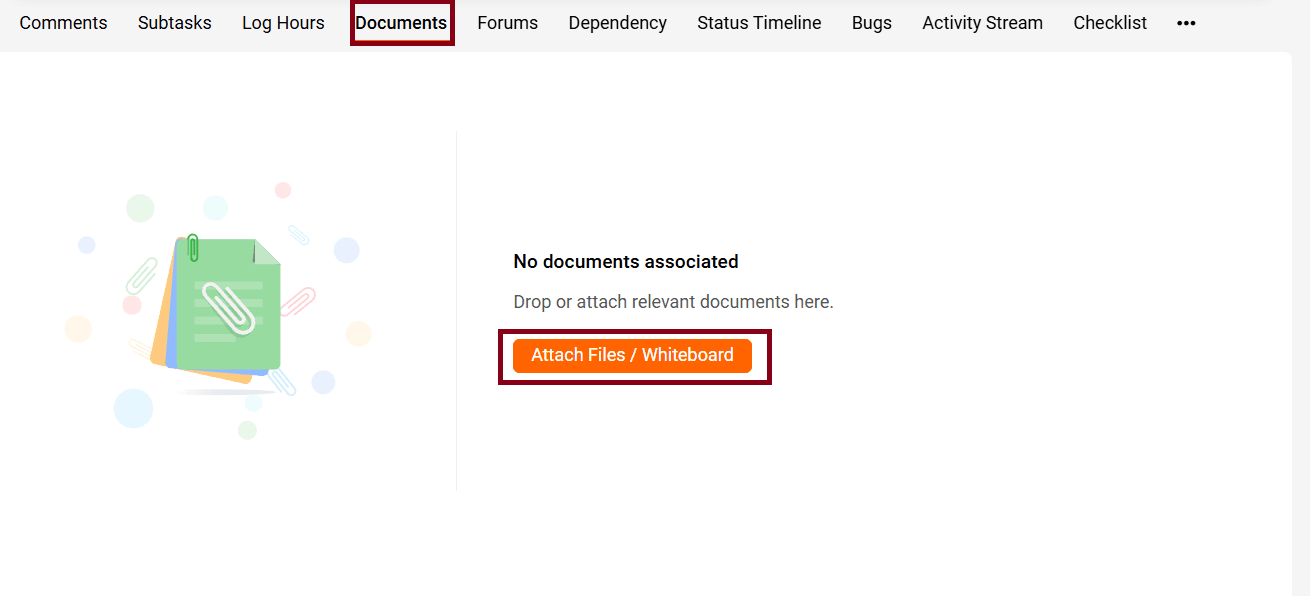
- Within the task detail view, look for the “Attachments” section, which is usually located at the bottom.
- Click on the Attach File button or drag and drop files into the designated area.