Lesson 4.1: Commenting on Tasks
OVERVIEW
Commenting on tasks is a valuable way to facilitate communication, clarify requirements, and provide updates among team members.
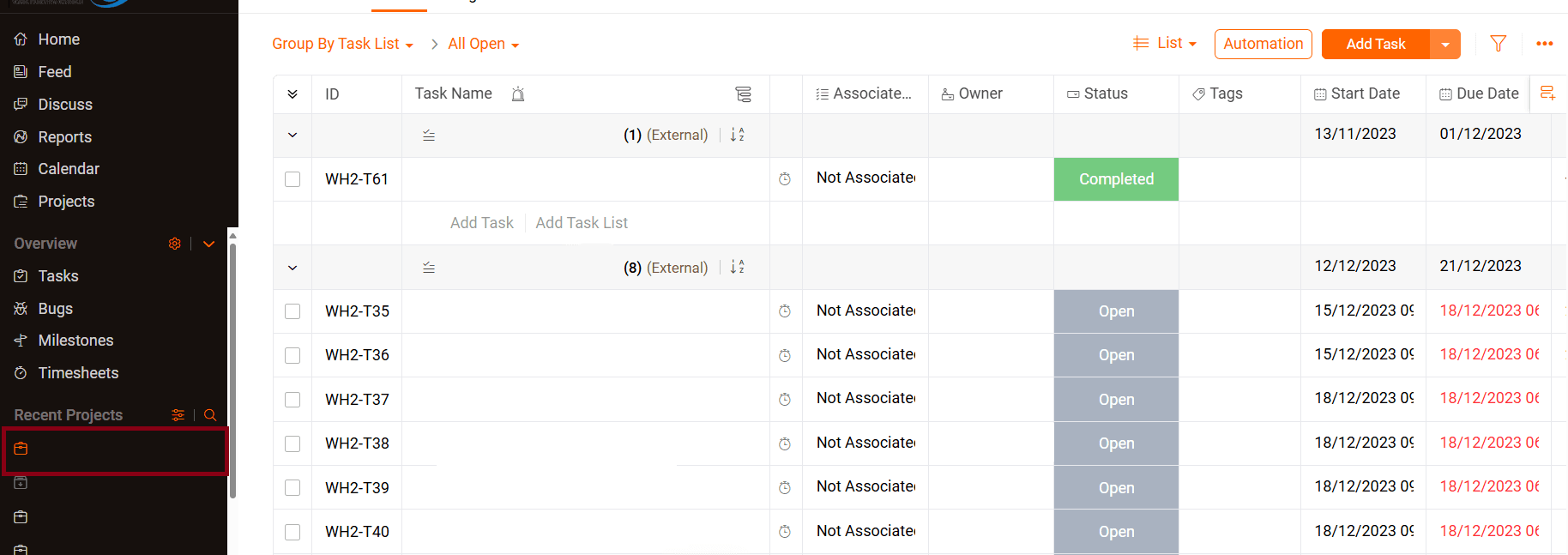
- Access you project:
- Select the project containing the task you want to comment on.

- Select the project containing the task you want to comment on.
- Locate Task:
- Find the specific task you wish to comment on.

- Find the specific task you wish to comment on.
- Open Task Details:
- Click on the task title to open the task details window.


- Click on the task title to open the task details window.
- Add a Comment:
- In the task view, look for the comment section, usually located at the bottom of the task window.

- In the task view, look for the comment section, usually located at the bottom of the task window.