Lesson 3.1: Viewing the Task List
OVERVIEW
Viewing the task list in Zoho Projects is an essential feature that helps you manage your project’s tasks effectively.
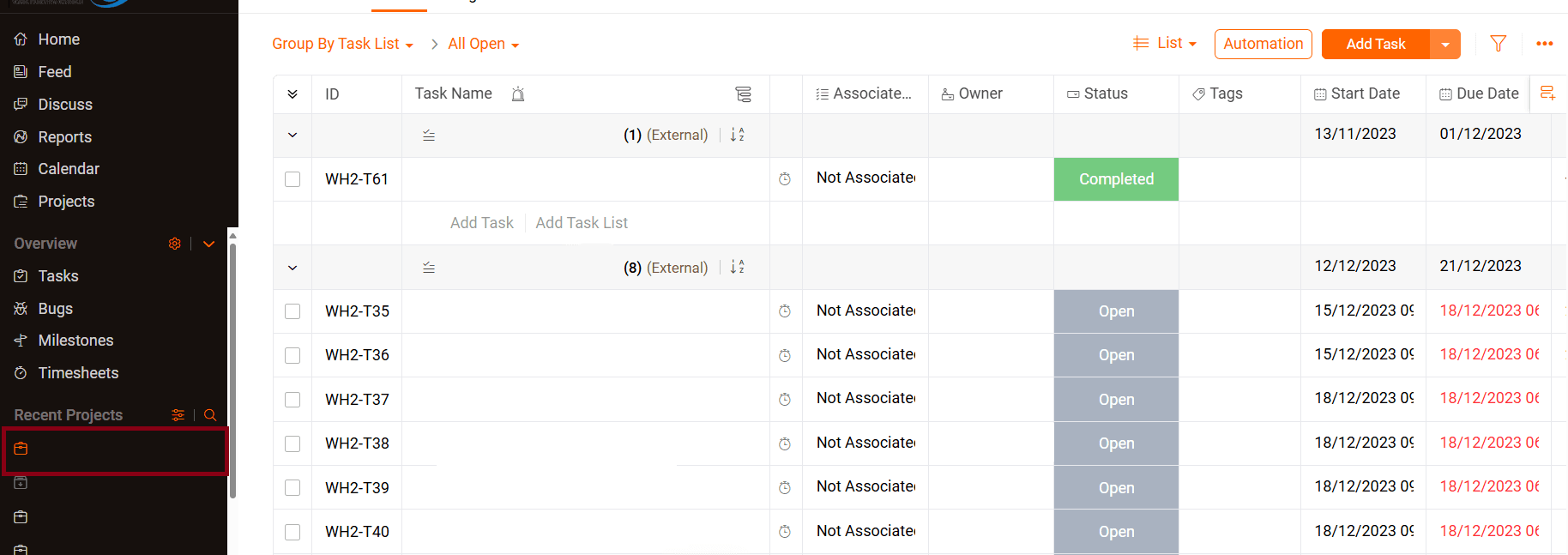
- Select Your Project:
- From the dashboard, navigate to the project for which you want to view the tasks. Click on the project name to access it.

- From the dashboard, navigate to the project for which you want to view the tasks. Click on the project name to access it.
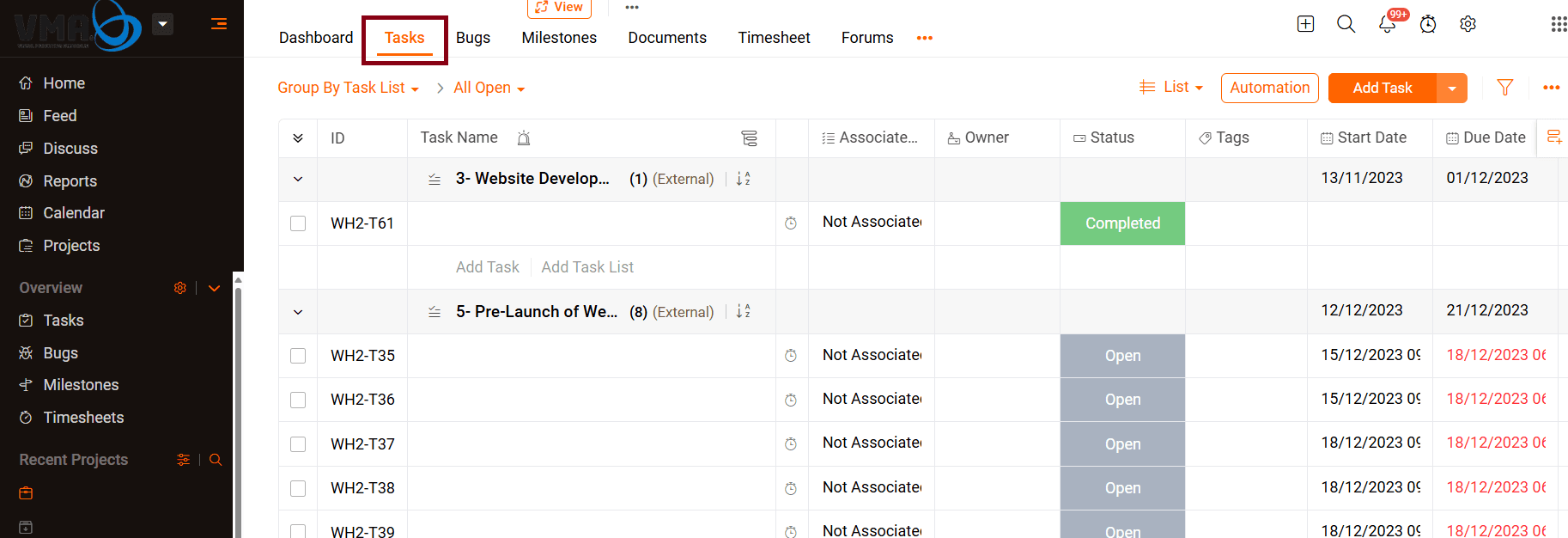
- Navigate to the Task Tab:
- Once inside your selected project, look for the ‘Tasks’ tab in the navigation menu. Click on it to view the list of tasks associated with the project.

- Once inside your selected project, look for the ‘Tasks’ tab in the navigation menu. Click on it to view the list of tasks associated with the project.
- Task List Overview
- The task list will display all tasks within that project, including the following task information: Task name, assignee, due date, status, and priority.
- The task list will display all tasks within that project, including the following task information: Task name, assignee, due date, status, and priority.